One Brand, Every Location: How Multi-Location Websites Stay Clear
Two locations, one website — and guests keep calling the wrong one. Here is how multi-location sites keep one brand and clean per-location details: menus, hours, reservations, and local search.
A business opens a second location, and the website quietly becomes a problem. The new address gets added to the contact page, both phone numbers sit side by side, and from then on a steady share of calls, reservations, and walk-ins land at the wrong place. Nobody designed that confusion. It accumulated, one small edit at a time.
Multi-location websites fail in a predictable way: they treat location as a detail to mention instead of a structure to build on. The fix is architectural. One brand, presented once, with every practical detail — menus, hours, reservations, directions — separated cleanly by location underneath it.
One brand, presented once
The instinct to build a separate website for each location is understandable and almost always wrong. Two sites split your search presence in half, double every update you will ever make, and slowly drift apart until they look like different businesses. Guests feel that drift even when they cannot name it: different menus styles, different wording, different quality.
A single site keeps the brand singular — one design, one voice, one standard — which is exactly what a customer comparing your two locations needs to see. The brand is the promise. Locations are simply where the promise is kept.
Every practical detail belongs to a location
What must never be shared is the operational layer. Menus differ. Hours differ. Holiday schedules, parking, private-event spaces, and the reservation book all differ. When any of these live on a page that mixes both locations, the guest has to do the sorting work — and some of them will sort wrong, or give up and book somewhere simpler.
The rule we build by: a visitor should be able to tell, within seconds of landing anywhere on the site, which location a page describes. Location in the heading, location on the reservation form, location pre-selected from the link they clicked. "Which city?" should be answered before it is asked.
Reservations and calls are where confusion costs money
A wrong-location reservation is worse than no reservation: the guest arrives at the wrong dining room, the table sits empty at the right one, and both parties leave frustrated. The same applies to click-to-call buttons that dial the other city, and contact forms that land in a shared inbox nobody owns.
Route every action to its location. Each location gets its own reservation path, its own phone number on its own pages, and its own form destination. This is unglamorous plumbing, and it is where a multi-location site earns its keep.
Local search treats each location as its own business
Search engines and map listings work location by location: each address needs its own accurate listing, its own reviews, and a website page that matches it — same name, same address, same phone number, word for word. When the website blurs the two locations together, the listings blur too, and a business can end up hard to find in the very neighborhoods it serves.
Clean per-location pages give each listing somewhere exact to point. That consistency is one of the simplest local-search advantages a multi-location business can give itself, and one of the most commonly missed.
What this looks like in practice
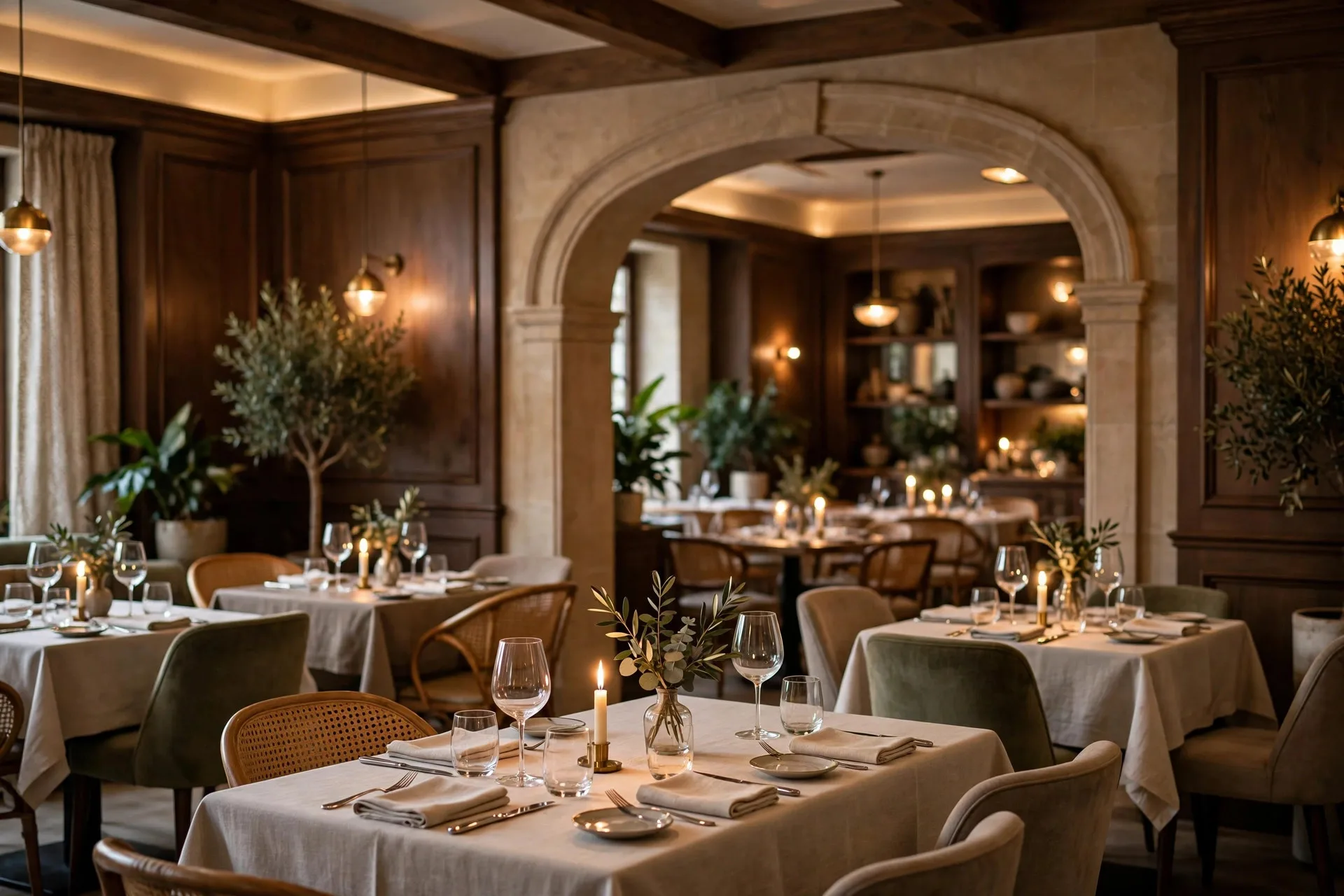
We built The Grand Table — fine dining in Cleveland and Charlotte — exactly this way: one elegant website at rest.webpronc.com, a singular brand up front, with online reservations for both dining rooms and menus, events, and a gallery structured so each city's details stay clear. Guests get one unmistakable restaurant and the right table in the right city.
If your business has grown into a second or third location and your website still treats them as a footnote, that is fixable — and it is usually a smaller project than the confusion is costing you. Bring us the location your customers keep getting wrong. Start at webpronc.com.