Product Pages That Sell: How to Turn Browsers Into Buyers
Topic: product page design
A product page has seconds to answer three questions: Is this right for me, can I trust it, and how do I buy it? Here is how we design pages that answer all three.
A product page has one job: help a visitor decide, with confidence, whether to buy. Most visitors arrive curious but not committed. They have a question in mind, a budget in mind, and very little patience. If the page answers their questions quickly and makes the next step obvious, they buy. If it makes them hunt, guess, or wait, they leave — usually for a competitor whose page was clearer, not whose product was better.
We build e-commerce websites for retailers and service businesses across the Charlotte metro. The pages that sell best are rarely the flashiest. They are the clearest. Here is what we put on every one.
Lead with a photo that does the selling
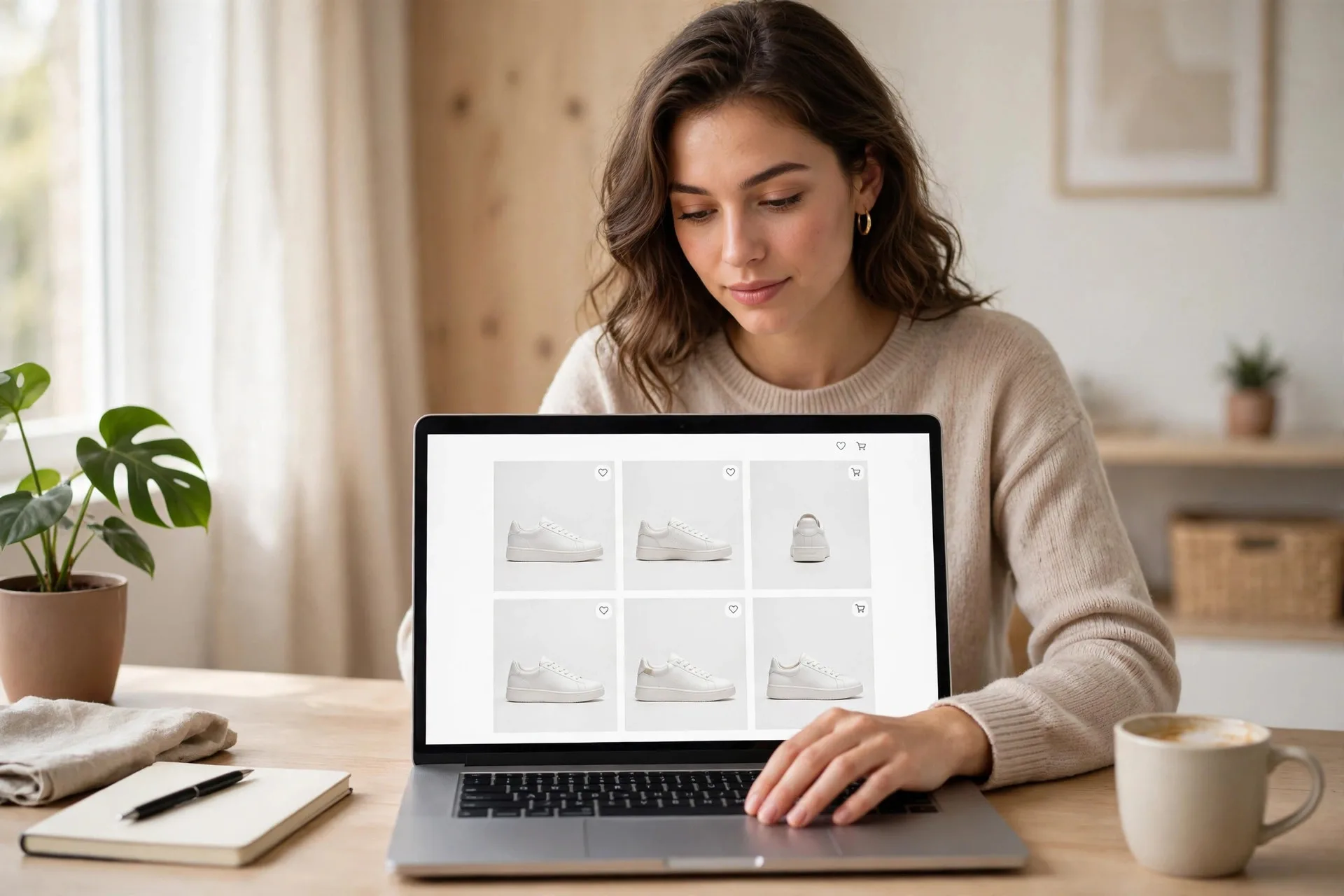
Shoppers cannot pick up your product, so your photos have to do that work. Use large, sharp images that show the product from more than one angle, in use, and at a scale a person can understand — next to a hand, on a table, or in a real room. One small, dim photo forces visitors to imagine the rest, and imagination does not convert.
Keep backgrounds clean and consistent so your store looks like one business, not a collection of supplier cutouts. If you sell variants, show each color or size as its own image. Make sure images load fast and stay sharp on a phone, where most browsing happens. A beautiful photo that takes six seconds to appear sells nothing.
Write the benefit first, then the details
Start the description with what the product does for the buyer, in plain language. Not a list of materials and model numbers — those belong further down, where careful shoppers will look for them. The first two sentences should let a hurried visitor say, yes, this is the thing I need.
Write like you would explain the product in your store. Short sentences. Specific claims you can back up. If it lasts twice as long, fits a standard space, or ships the same day, say so early. Avoid vague praise such as premium quality or best in class — every competitor says that, so it reassures no one. Specifics build trust; adjectives alone do not.
Answer the questions shoppers actually ask
Every product has a short list of questions that decide the sale: What size is it? What is it made of? Will it work with what I already own? How long will it last, and how do I care for it? If your page leaves one of those unanswered, many shoppers will not email you to ask. They will simply buy the version whose page answered it.
Put specifications in a tidy, scannable list, not buried in a paragraph. Add a short FAQ for the questions your team hears most. That helps buyers and reduces support messages.
Make price, shipping, and returns impossible to miss
Surprises at checkout are the fastest way to lose a sale you had already won. Show the full price near the buy button, state shipping cost or free-shipping thresholds up front, and give a realistic delivery window. Put your return policy in plain words close to the purchase decision, not only in a footer link.
Clear terms are also a trust signal. A store open about shipping and returns looks like a store that stands behind what it sells.
Put proof next to the buy button
Reviews, ratings, and real customer photos belong near the price and the buy button, where doubt is highest — not on a separate testimonials page nobody visits. Even a handful of specific, believable reviews helps more than a wall of generic five-star praise. Show the total number of reviews honestly, and let a less-than-perfect review stay visible; a page with only perfect scores reads as filtered.
If reviews are new for your store, use other proof: how long you have been in business, guarantees, and clear contact information. A real address and a phone number a person answers still matter, especially for local businesses in Charlotte and Lake Norman.
Make buying easy, especially on mobile
The buy button should be large, clearly labeled, and visible without scrolling past unrelated content. Keep options — size, color, quantity — simple and preselect the most common choice where that is honest. Do not require an account to check out. Every extra form field and every extra step costs you completed orders.
Test the page the way your customers use it: on a phone, with one hand, on a slow connection. Can you read the price, choose a variant, and check out without pinching, zooming, or guessing? If not, fixing that will usually lift sales more than any redesign of the page's colors.
How we build product pages at WebProNC
When we design an online store, we treat each product page as a small sales conversation: a clear photo, a benefit in plain words, details that answer real questions, honest terms, proof nearby, and a checkout path with no friction. We build that pattern once, as a reusable template, so the store stays consistent as it grows.
If your products are good but your product pages are not turning visits into orders, we can review your store and show you exactly where shoppers are dropping off. Start at webpronc.com — we have been building websites for North Carolina businesses since 2002, and we are happy to take a look.