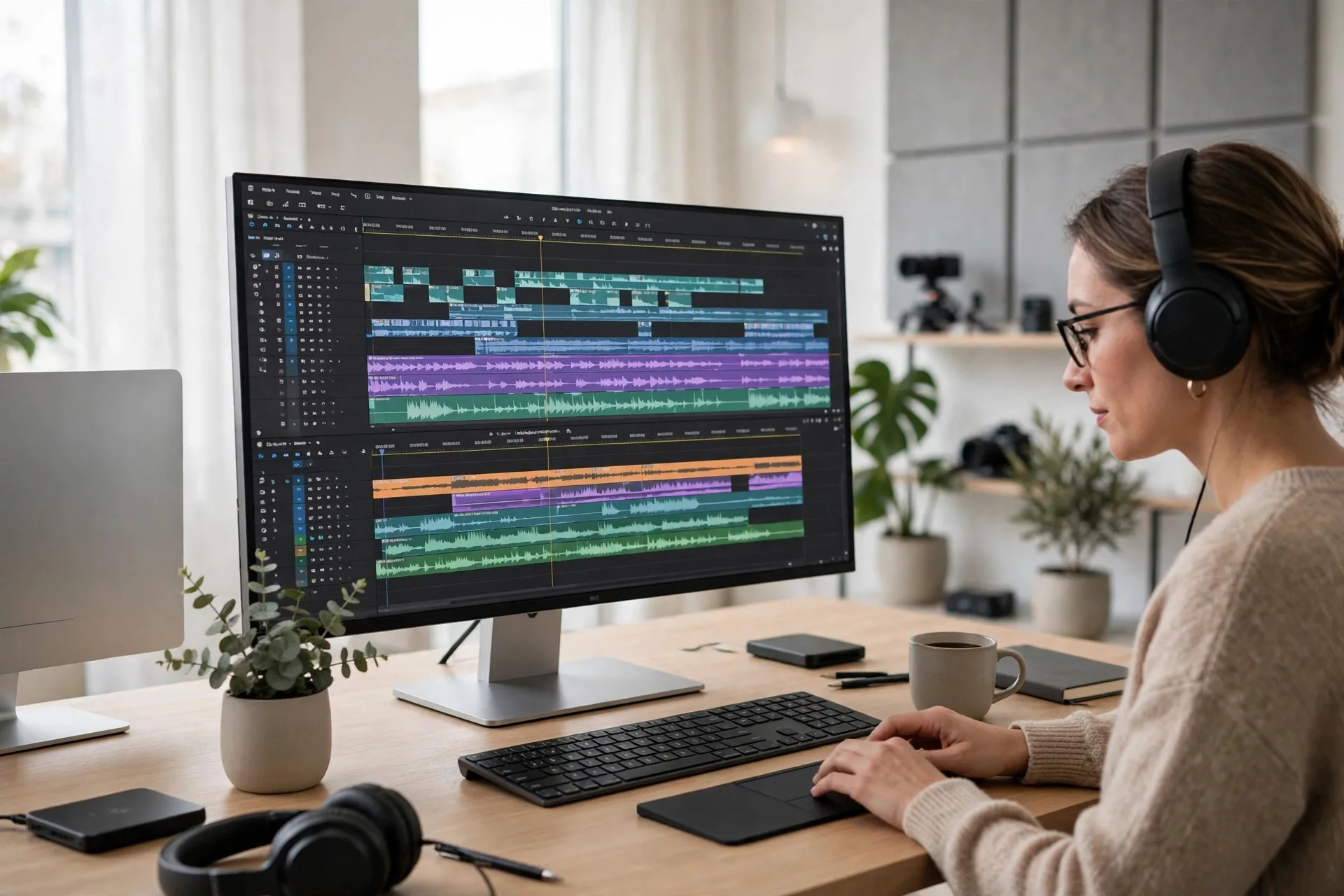
VLPremier Pro Has a New Home at vlpremier.com
Topic: VLPremier Pro video editor
VLPremier Pro now has a home at vlpremier.com, where it will be available to purchase soon. We take a closer look at the editor built for long-form video, language versions, and Shorts.
Some projects outgrow a quick-clip workflow. A documentary, a narrated YouTube film, or a series that needs captions, a second language version, and a set of Shorts from the same timeline asks more of an editor than a browser tab can comfortably give. That is the work VLPremier Pro was built for, and it now has a home of its own: vlpremier.com, where it will be available to purchase soon.
We are sharing this as information, not a hard sell. If you edit long-form video on a Mac, the new site is a clear place to see what the app does, how it fits an existing workflow, and whether it belongs in yours.
Built for the whole film, not just the clip
VLPremier Pro is a native macOS application for Apple Silicon (macOS 14 or later). It puts editing, sound, speech, graphics, language versions, and delivery in one workspace, with timelines designed to stay responsive on films with thousands of clips.
The timeline will feel familiar to Premiere Pro editors: multi-track editing, nested sequences, multicamera, precise trims, effects, color scopes, and proper audio mixing, using familiar tools and keyboard shortcuts. It also opens Premiere Pro projects and XML, and exports XML, AAF, EDL, and FCPXML, so existing work can move in and finished cuts can move out without being rebuilt.
Your words, on the timeline
Narration sits at the center of long-form work, so transcription, captions, and voiceover live inside the edit. Transcribe a sequence on your Mac with word-level timing, create captions from the transcript, style them, and correct them from the original script. The Correct from Script tool keeps every timing while fixing misheard words — on a real 14-minute documentary, the guide notes 234 corrections across 173 captions in one pass.
The built-in Voiceover Studio turns a script into finished narration, including cloned voices made from your own recordings, and prepares dubbed versions timed phrase by phrase to the original.
Works in many languages
One edit can serve more than one audience. Transcription detects the spoken language or lets you choose from 17 languages, including Russian, English, Ukrainian, Spanish, German, and French. Captions can be translated and spell-checked in each language, with right-to-left layout for Arabic and Hebrew.
Voiceover and dubbing go further: the Voiceover Studio speaks 23 languages, so a film narrated in one language can gain a voice track in another, timed to the original. A single export can carry several caption files and language audio tracks together.
Extensions and add-ons, when you need more
No editor covers every workflow out of the box, so VLPremier Pro is extensible. From Window > Extensions you can install your own HTML and JavaScript panels — they run offline unless their manifest asks for network access. Audio Units and VST3 effect plug-ins work on audio tracks, each with its own editor window.
From File > Add-ons you can install effect presets, looks, and caption looks, bring in your Premiere Pro effect presets, and add the readable Lumetri Looks from an installed Premiere Pro to the Looks menu. There is also a Local API for automation and AI assistants — off by default, protected by a token, and reachable only from your own Mac.
One edit, more places
When the long cut is finished, the Shorts workflow looks for strong moments inside it, scores them for hook, clarity, and payoff, and reshapes them for vertical screens in 9:16, square, or 4:5. Animated captions follow the narration, and several Shorts can be exported together in a batch.
Delivery runs through a background export queue with presets for YouTube, Shorts, TikTok, and Reels, plus professional formats including H.264, HEVC, and ProRes — so a 4K master and a set of Shorts can come from the same project.
Private by default, practical by design
Editing, transcription, captions, voiceover, and the built-in AI engine all run on your Mac. Footage is not sent to the cloud for AI by default; online services are used only if you choose one and enter your own key. Autosave, crash recovery, and background saving protect long projects while you work.
Take a closer look
The new home for the app is vlpremier.com, where VLPremier Pro will be available to purchase soon. For a deeper walkthrough, the complete feature guide covers every workspace in detail: VLPremier Pro Feature Guide. You can also watch a real project being edited in the VLPremier Pro tutorial.
VLPremier Pro is a VL Video Pro application, built in the same studio where we design and develop websites and apps at webpronc.com. We built it for our own productions first — and we are glad to finally give it a front door of its own.